Join millions of businesses that run on premium versions of Gmail, Calendar, Drive, Meet and more. Future-proof your business with familiar tools that include AI in every plan.
Cloud-based tools that keep your communication protected and efficient.
 4.3 out of based on 33 reviews
Pick the Google Workspace edition that fits your business needs—whether you're a startup or an enterprise, we’ve got the right tools for you.


Best for Small Business
 30 GB pooled storage per person* Secure custom business email [email protected] Gemini AI assistant in Gmail Chat with AI in the Gemini app Video meetings, 100 participants
 Google Vids AI-powered video creator and editor
 Security and management controls
Best for Small & Medium Business
2 TB pooled storage per user** Secure custom business email, [email protected] Gemini AI assistant in Gmail, Docs, Meet and more NotebookLM with expanded access to features Chat with AI in the Gemini app with expanded access to models and features Video meetings with recording, noise cancellation, 150 participants Appointment booking pages
 eSignature with Docs and PDFs Google Workspace Migrate tool for data migration
Best for Large business
5 TB pooled storage per user** Secure custom business email + ediscovery Video meetings with attendance tracking, 500 participants Vault to retain, archive and search data Secure LDAP
 Advanced endpoint management Enhanced security and management controls
Best for Large and Enterprises
5 TB or upgrade for more* Secure custom business email + S/MIME encryption Video meetings with in-domain live streaming, 1,000 participants Data Loss Prevention (DLP) Context-aware access Enterprise data regions Cloud Identity Premium Enterprise endpoint management AI classification for Google Drive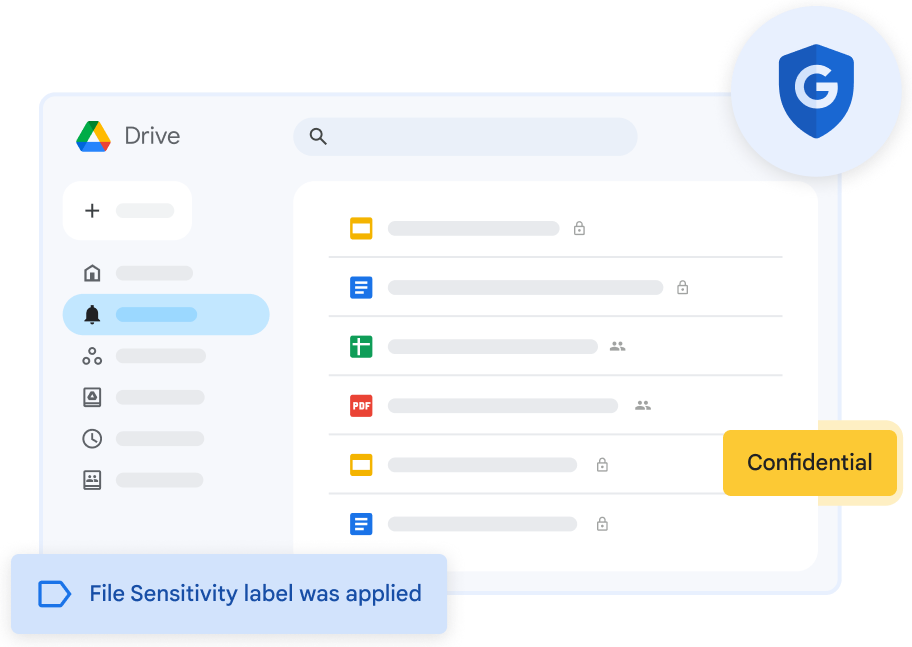
You no more need to be worried about surpassing the storage. Get ample storage for all your Google workspace business apps.

Get complete & economical G Suite workspace reseller pricing.

Adding/removing users is easy in G Suite hosting plan.

Making use of G Suite workspace will help in minimizing your IT infrastructure cost.

Get professional email accounts like [email protected] for your business with 30GB of storage space.

One of the biggest perks of using G Suite plan for business is that you can work from anywhere and at any time since all the files are stored on the cloud.

Google Workspace (formerly G Suite) boosts productivity with seamless collaboration, reliable communication, and powerful tools like Gmail and Docs. With MilesWeb’s plans, your team works smarter, shares ideas faster, and connects with clients effortlessly.
Empower your team with tools built for speed and simplicity. From secure email to real-time file sharing, Google Workspace helps you get more done—anytime, anywhere.
Plan DetailsBoost productivity, collaboration, and security with Gmail, Drive, Meet, Docs, and more—all in one powerful platform.
Professional, ad-free email with your custom domain name.
Store, access, and share files securely from anywhere.

Host secure video meetings with your team and clients.
Schedule meetings and stay on track with smart reminders.

Collaborate with teams instantly through direct or group chats.

AI-powered assistant to boost productivity across Workspace.

Create and edit documents together in real time.
Collaborate on data with smart, cloud-based spreadsheets.
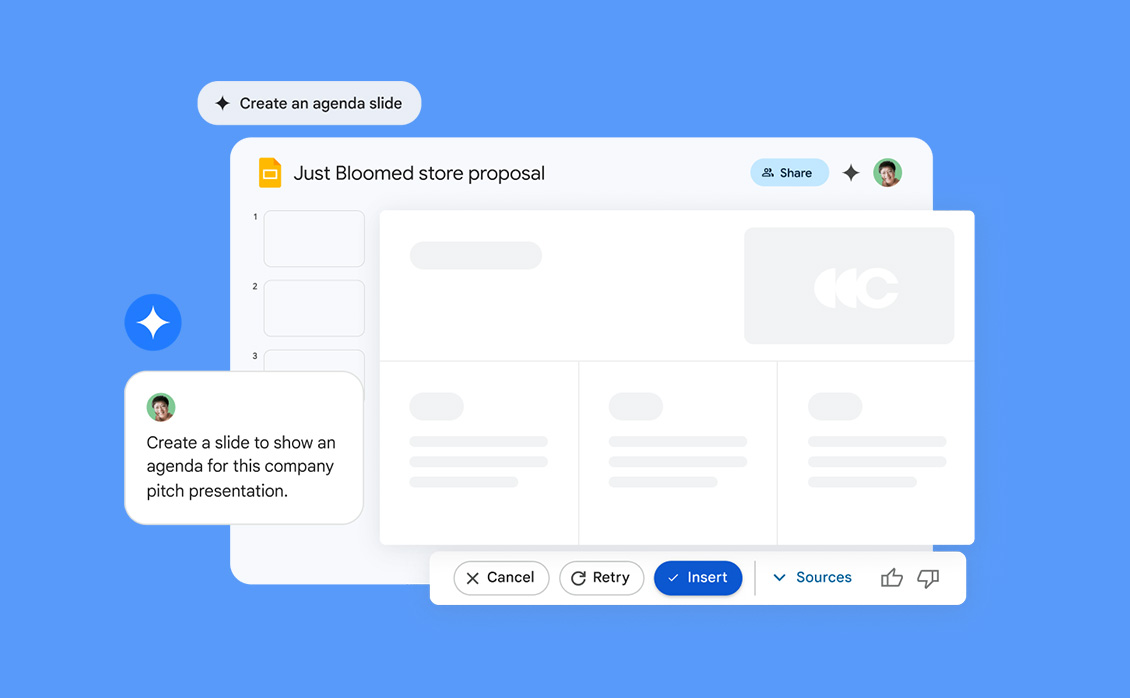
Design and present stunning slides from anywhere.
Create quick, professional videos for team communication.
Capture notes, tasks, and reminders on the go.
Build internal project sites with easy drag-and-drop tools.
Collect info and feedback with custom forms and surveys.

AI research tool that helps organize and analyze notes.

Build custom apps without coding, right from your data.
Empower your team with secure, cloud-based tools designed for productivity and collaboration.

Get premium productivity tools at budget-friendly rates, ideal for businesses of any size.

Easily manage users, access, and security settings with intuitive admin controls.

Say goodbye to complex IT tasks with auto-updates and minimal setup needs.

Use Gmail with your business domain for secure, ad-free communication.

Access your files and collaborate from anywhere, on any device.

Migrate your emails, contacts, and calendars with zero downtime or data loss.

Enjoy 30 GB of cloud storage per user for documents, media, and backups.

Work together in Docs, Sheets, and Slides in real-time from anywhere.

Your data stays protected with Google’s advanced security infrastructure.

Get round-the-clock assistance from Google-certified support teams.

Work without distractions in an ad-free, focused environment.

Easily share files and set permissions across teams or individuals securely.
No, you can use your existing domain to sign up for Google Workspace.
Pooled Storage space available on Google Workspace is dependent on which plan you purchase. Here’s the space available with each plan:
Business Starter – 30 GB
Business Standard – 2 TB
Business Plus – 5 TB
Enterprise Plus – Unlimited* (1 TB dedicated storage per user if no. of users <5. 5 TB pooled storage if no. of users >5)
In addition to accessing Google Workspace mail from the Gmail web interface, you can send and receive mail from your favorite desktop client. Depending on the client, you can use either the IMAP or POP mail protocol. If you’re switching to Google Workspace from Microsoft Exchange or some other Outlook service, you can use Google Workspace Sync. This is a plug-in for Outlook 2003, 2007, 2010 or 2013 that lets you use Outlook to manage your Google Workspace mail, calendar and contacts—along with your Outlook notes, tasks and journal entries.
Yes. During the transfer, we move all your email accounts from the old provider to us by keeping the data intact. However, your existing tenure with the other provider, if any does not get moved to us. You can click here to initiate the transfer process.
Yes. Google Workspace is designed as an all-in-one solution with integrated tools that work seamlessly together. For instance, you can receive a message in Gmail and instantly convert it into a Calendar event. When you make a comment in Docs, Sheets or Slides, collaborators automatically receive email alerts. With a single click, you can launch a Hangouts video meeting from your inbox or calendar. Using these tools as a complete package improves productivity while giving your business the most value. However, you are welcome to purchase the suite and only use the services of your choice.
You can send and receive emails using any desktop-based email client such as Microsoft Outlook, Outlook Express, Mozilla Thunderbird, Eudora, Entourage 2004, Windows Mail, etc. We also have a guide on how you can configure different email clients to send/receive emails. The enterprise email product supports the POP, IMAP and MAPI protocols.
Yes, you can use Gmail’s vacation responder to let people know that you would take time to respond to their messages. In other words, if you have Google’s vacation responder, an auto responder, turned on, Gmail will send your reply to people who email you.



Born in 2011, Zybosys is leading Web Solution provider, Offering Managed web hosting services, Domain Registration & Cloud Based Email Services.
Zybosys Based in India & registered company in RoC Ernakulam, Kerala, India
CIN: U72900KL2020PTC062471

We are an ICANN accredited registrar.
Serving customers since 2011.






Copyrights © 2011 - 2025 zybosys.com. All Rights Reserved
Premium Web Hosting, Cloud, VPS, AI Website Builder & Domain Registration Services.